
QR Code Fake: How to Recognize and Avoid QR Code Scams
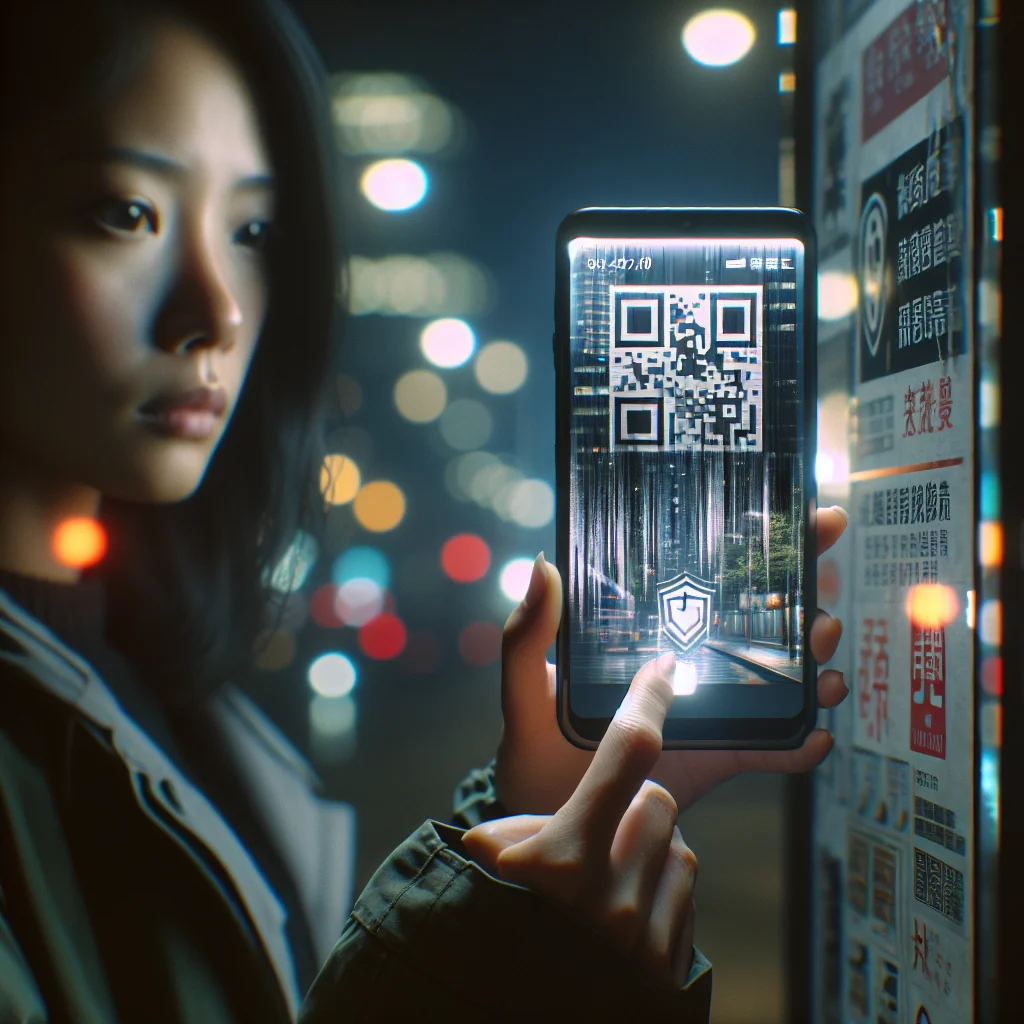

QR codes are everywhere: menus, posters, bills, and even on TV. That also means scammers use them. A QR code fake can send you to a phishing site, install malware, or steal your data without you noticing. The good news is that you can protect yourself with a few simple checks every time you scan.
This guide explains what fake QR codes are, how they work, and clear steps you can follow to avoid QR code scams in daily life and at work.
Understanding What a Fake QR Code Actually Is
A fake QR code is a code that leads to a harmful or misleading action instead of a safe, expected one. The QR code itself is just a pattern of squares. The danger comes from the link or action hidden inside that pattern.
Scammers exploit this by making QR codes that look normal but send you to phishing pages, trick you into logging in, or start a payment you did not approve. In many cases, they place a sticker with their own code over a real one.
Because QR codes are hard to read with the naked eye, people usually trust them without thinking. That trust is exactly what criminals try to exploit with a QR code fake.
How a QR Code Fake Differs from a Legitimate Code
A legitimate QR code points to a known, expected action, such as a menu or a company site. A fake QR code hides an action that benefits the attacker, such as stealing logins or payments. The image may look the same, so the difference lies in the destination and the intent behind it.
Common Types of QR Code Fake Attacks
Fake QR codes can be used in several ways. Knowing the main types helps you react faster and avoid panic if you spot something strange.
Below are the most common QR-based scams you might face in daily life or online. Use this list as a quick reference any time you see a new or unexpected code.
- Phishing QR codes (“quishing”): The code leads to a fake login page that copies a bank, email, or social platform. The attacker steals your username, password, or card details once you type them.
- Payment redirection: A QR code on a bill, parking meter, or donation box sends money to a criminal’s account instead of the real business or charity.
- Malicious app downloads: The code links to a fake app download page or an app store listing with malware. This is common on posters or fake support pages.
- Wi‑Fi and device access: Some QR codes can auto-connect you to a Wi‑Fi network or start a device action. A fake Wi‑Fi QR code may connect you to an attacker-controlled network.
- Fake customer support or surveys: Codes on emails, receipts, or flyers promise help or rewards. The linked form is used to harvest personal data or payment details.
In many cases, the QR code fake is part of a larger scam that also uses social engineering, such as fake emails, fake invoices, or urgent messages that push you to scan quickly.
Where You Are Most Likely to See These Attacks
These scam types often appear on parking machines, delivery notices, printed bills, and social media ads. They also show up in messages that pretend to be from banks, parcel firms, or government offices. Any place that mixes trust, money, and speed can become a target for a QR code fake.
Red Flags: How to Spot a QR Code Fake in Seconds
You do not need special tools to spot many fake QR codes. A quick visual check and a short look at the link can already block most scams.
Use these practical signals as your first line of defense whenever you see a QR code. Slow down for a moment, and check the code before you scan.
First, look at the physical or digital context. A QR code on a random lamp post that asks for banking details is a clear warning sign. A code that appears suddenly in a place where you never saw one before can also be suspicious.
Typical Warning Signs to Watch For
Be wary of QR codes that appear on damaged signs, rough stickers, or low-quality prints in otherwise professional spaces. Also be careful with codes that promise prizes, refunds, or urgent account fixes if you scan right away. Strong emotion and pressure to act fast are classic signs of a QR code fake.
Visual Signs a Physical QR Code Might Be Fake
Scammers often need to place their own code on top of a real one or in a public space. That means you can sometimes spot a QR code fake just by looking closely at the surface.
Check the code and the area around it before you scan, especially for payments, parking, or access control. A short look can save money and stress later.
Look for these clues on physical QR codes: misaligned stickers, extra labels covering older print, or codes that look blurred on official signs that are otherwise sharp and clean.
Comparing Genuine and Fake Physical QR Codes
The table below highlights simple differences between many genuine QR codes and common QR code fake setups in public spaces.
| Aspect | Genuine QR Code | QR Code Fake |
|---|---|---|
| Print quality | Sharp, consistent with surrounding design | Blurry, pixelated, or mismatched style |
| Placement | Printed directly on sign or material | Sticker placed over existing text or image |
| Brand details | Clear logo, support contacts, or branding nearby | Little or no branding, vague contact details |
| Instructions | Simple, neutral instructions such as “Scan for menu” | Pressure wording such as “Scan now or lose access” |
| Consistency | Same style and position across many locations | Single odd code that looks out of place |
None of these signs prove a code is fake on their own, but several together should make you slow down. When in doubt, ask staff or use another method, such as a known website or app, instead of trusting a suspicious QR code.
Digital QR Codes: Email, Social Media, and Screens
A QR code on a screen can also be fake, especially in emails, social posts, or pop-ups. Because you cannot touch it, you need to focus more on who sent it and what the code promises.
Treat digital QR codes with the same care as clickable links. If you would not click the link, do not scan the code.
Be extra careful with QR codes in messages that claim urgent action, such as “scan now to avoid account closure” or “scan to claim a prize.” Urgency is a classic scam tactic.
Checking the Source of Digital QR Codes
Before scanning, check the sender address, account name, or profile that displays the QR code. Look for spelling errors, low follower counts, or strange language. If the code appears in a pop-up or ad that you did not request, close the window and access the service through a known website or app instead.
Safe-Scan Checklist: What to Do Before You Use Any QR Code
A simple, repeatable process can reduce most QR code risks. Follow this checklist each time you scan, especially for payments, logins, or downloads.
The steps below give you a clear order of actions to follow. Turn them into a habit so you can react calmly even if you feel pressured.
- Check the source: Ask yourself who placed the QR code there. If you cannot answer, be cautious.
- Inspect the surface: For physical codes, look for stickers, damage, or misaligned labels that might hide the original code.
- Use a trusted scanner: Use your phone’s built-in camera or a well-known security app, not a random QR scanner app with poor reviews.
- Preview the link: Most phones show the URL before opening it. Read the full address, not just the start.
- Check the domain name: Look for small changes, like extra letters, strange endings, or numbers in place of letters.
- Avoid entering sensitive data: Do not type passwords, card numbers, or PINs on a site opened from a random QR code.
- Use official apps instead: For banks, deliveries, or utilities, open the official app or type the website manually instead of trusting the QR code.
- Watch for forced downloads: If a page opened by a QR code tries to force a file download, close it right away.
- Check for HTTPS: Make sure the site uses HTTPS with a valid lock icon, but remember this alone does not guarantee safety.
- Trust your instinct: If anything feels off, back out and confirm with the company through another channel.
Turning this checklist into a habit makes you much harder to target, because most QR code fake attacks rely on speed and distraction, not on advanced hacking.
How Scammers Use QR Codes in Real-Life Scenarios
To understand QR code fake risks better, it helps to see how they show up in everyday situations. These examples are based on common scam patterns reported by users and security experts.
Use them as mental models. If a situation feels similar, slow down and check the code more carefully.
One frequent case is fake parking payment QR codes. Criminals place stickers over official meters. Drivers scan and pay, but the money goes to the attacker. Another example is fake restaurant menus, where a scammer sticks a QR code on tables that leads to a phishing payment page instead of a simple menu.
Other Everyday Examples of QR Code Fake Scams
Delivery scams use QR codes on notes that say a package could not be delivered. The code leads to a fake site that asks for card details. Event scams place codes on posters that claim to offer discounts, but the link collects logins or social media tokens. In offices, attackers may add QR codes to meeting rooms or printers that point to fake support pages.
Protecting Yourself from QR Code Fake Scams on Mobile
Because QR codes are usually scanned with phones, mobile security is key. A few settings and habits can limit the damage even if you scan a bad code by mistake.
Start by keeping your phone’s operating system and apps up to date. Updates often fix security flaws that malware tries to use.
Also review app permissions. A malicious app installed from a QR code may ask for access to messages, contacts, or storage. If an app asks for more access than it needs, deny or uninstall it.
Extra Mobile Security Steps to Reduce QR Risks
Consider using security software that can scan links before they open. Turn off automatic Wi‑Fi connection and Bluetooth discovery, so a QR code cannot silently change those settings. Back up important data regularly so that even if a QR code fake leads to malware, you can restore your files after cleaning the device.
Business Risks: Fake QR Codes in Offices and Public Spaces
Companies also face QR code fake threats. Offices now use QR codes for visitor check-in, Wi‑Fi access, marketing, and payments. A tampered code in these places can harm both customers and brand trust.
Businesses should control where QR codes are placed and who can change them. Staff should know how to spot stickers or changes on printed materials.
For critical uses like payments or sign-in, companies should display clear short URLs next to the QR code. That gives users another way to reach the same page and makes it easier to notice a QR code fake that does not match the printed address.
Simple Policies to Limit QR Code Fake Damage
Firms can reduce risk by keeping a register of official QR codes, training staff to check signs during daily routines, and using tamper-evident labels. Regular audits of marketing materials and payment points help catch a QR code fake before many customers see it.
What to Do If You Scanned a QR Code Fake
Even with care, mistakes happen. If you think you scanned a malicious QR code, fast action can limit the damage. Do not panic, but do act quickly and in a clear order.
First, close the browser tab or app that opened from the QR code. If a file downloaded, do not open it. Next, run a security scan with a trusted mobile security app if you have one installed.
If you entered any passwords or payment data after scanning, change those passwords at once from a different device and contact your bank or card provider. Watch your accounts for unusual activity and report any suspicious charges or logins as soon as you see them.
Following Up After a Suspected QR Code Fake Incident
After the urgent steps, review where you saw the QR code and report it to the site owner, business, or venue. If the scam involved work systems, inform your security or IT team. Keeping notes of times, amounts, and messages can help support teams and banks investigate and block further QR code fake attempts.
Key Takeaways: Using QR Codes Safely Without Fear
QR codes are useful and here to stay. You do not need to avoid them completely. You simply need to treat them like any other link: with a bit of healthy caution.
A QR code fake usually depends on surprise, urgency, and trust. If you slow down, check the source, preview the link, and avoid entering sensitive data on pages opened from random codes, you already block most attacks.
Turn the safe-scan checklist into a habit, and share it with family, friends, and co-workers. The more people learn to question suspicious QR codes, the harder it becomes for scammers to profit from them.